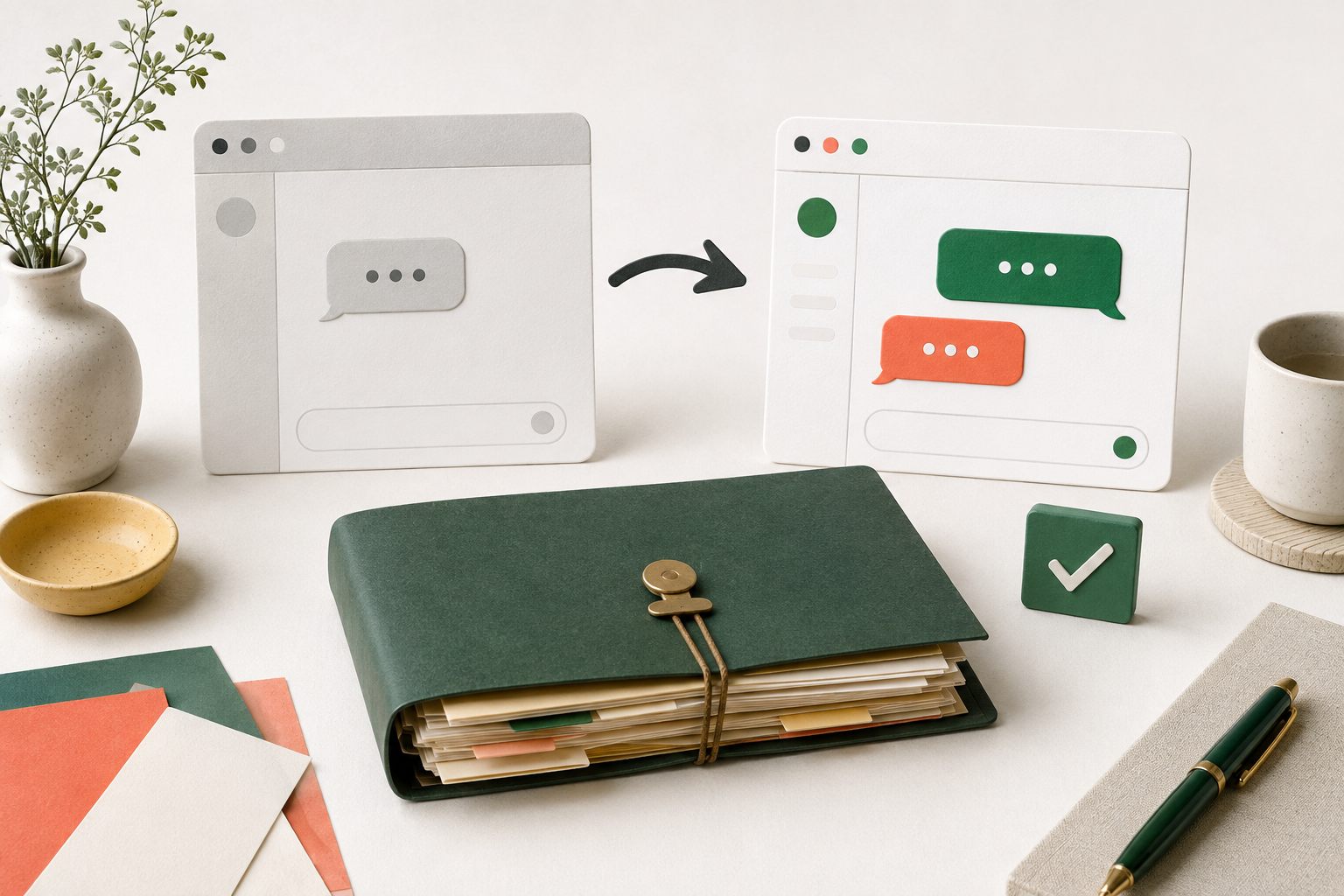
WordPress Setup
Switching WordPress Live Chat Plugins: A Migration Checklist
Switch WordPress live chat plugins with a plan for old transcripts, open requests, widget replacement, mobile testing, and rollback before deleting anything.
 Yapdesk
Practical, plain-language guides for live chat, WordPress customer support, WooCommerce conversations, and thoughtful AI automation.
Switch WordPress live chat plugins with a plan for old transcripts, open requests, widget replacement, mobile testing, and rollback before deleting anything.

Test your AI support chatbot with 12 practical scenarios, a review scorecard, and launch checks for accurate answers, clear limits, and human handoff.
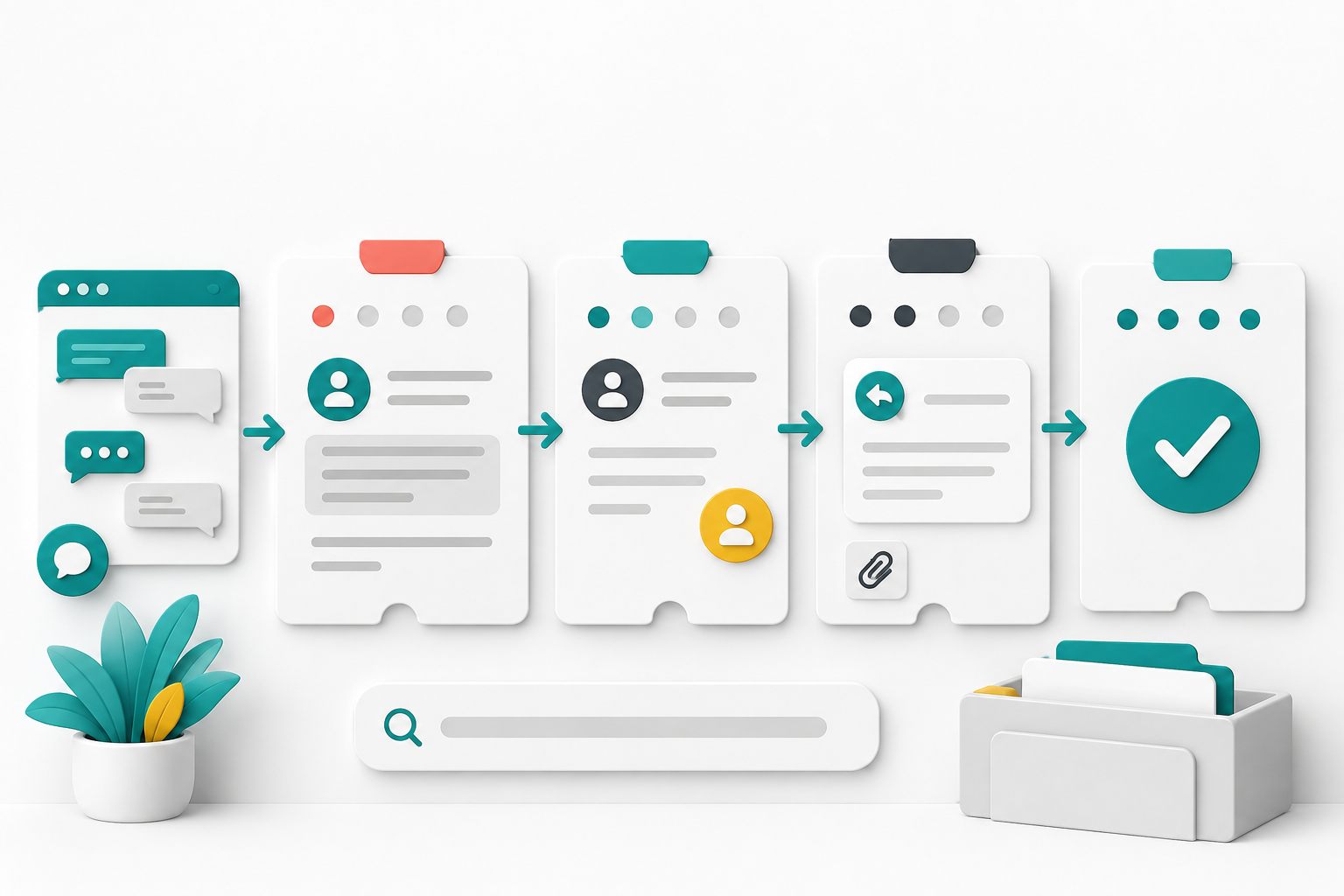
Build a customer support ticket workflow for chat follow-up with clear status meanings, complete replies, queue search, safe data handling, and honest closure.

Plan live chat widget placement around navigation, cookie banners, checkout controls, mobile keyboards, accessibility tools, and small-screen testing.
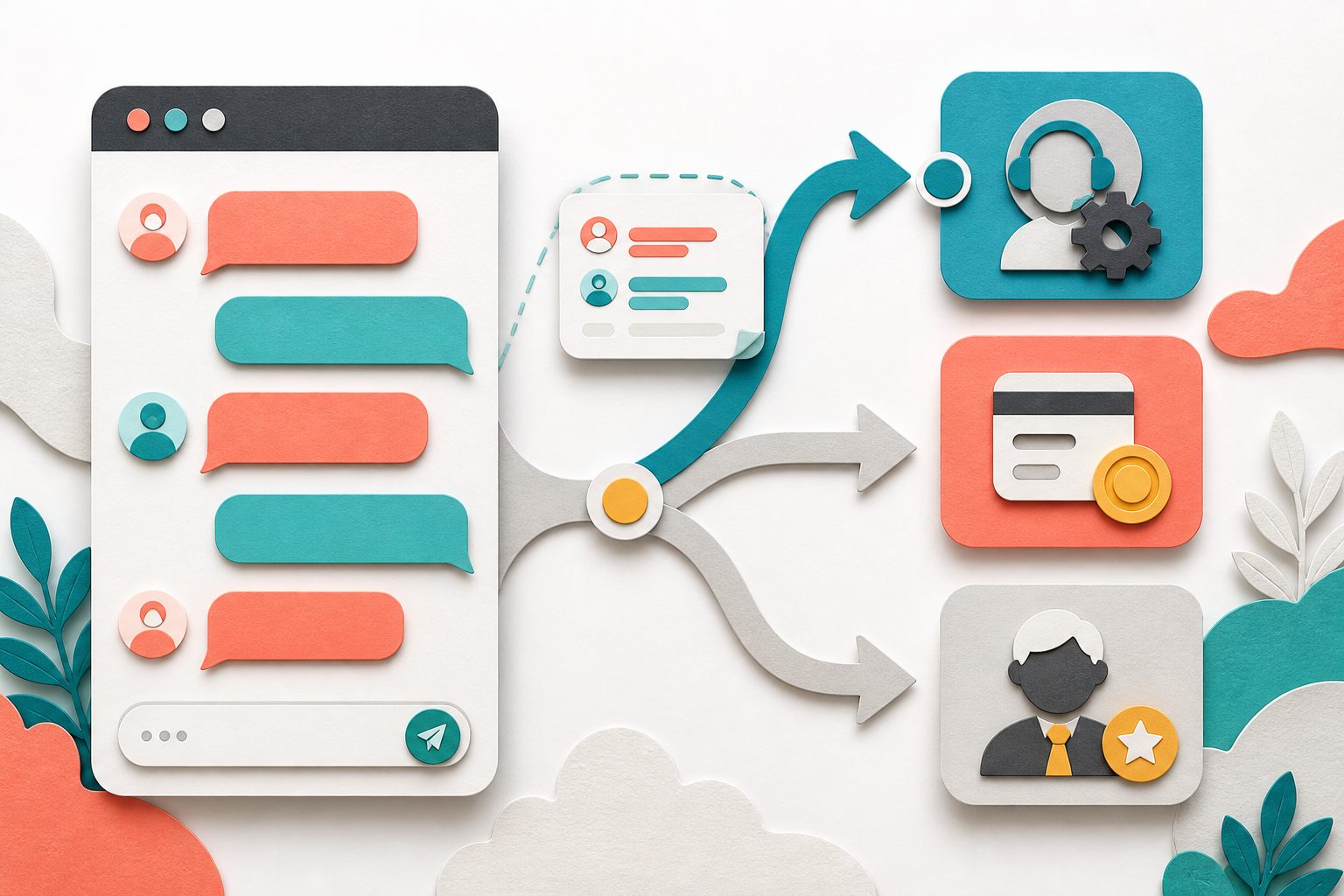
Build a live chat escalation process with clear triggers, complete handoff notes, named ownership, honest timing, and safe human takeover from AI.
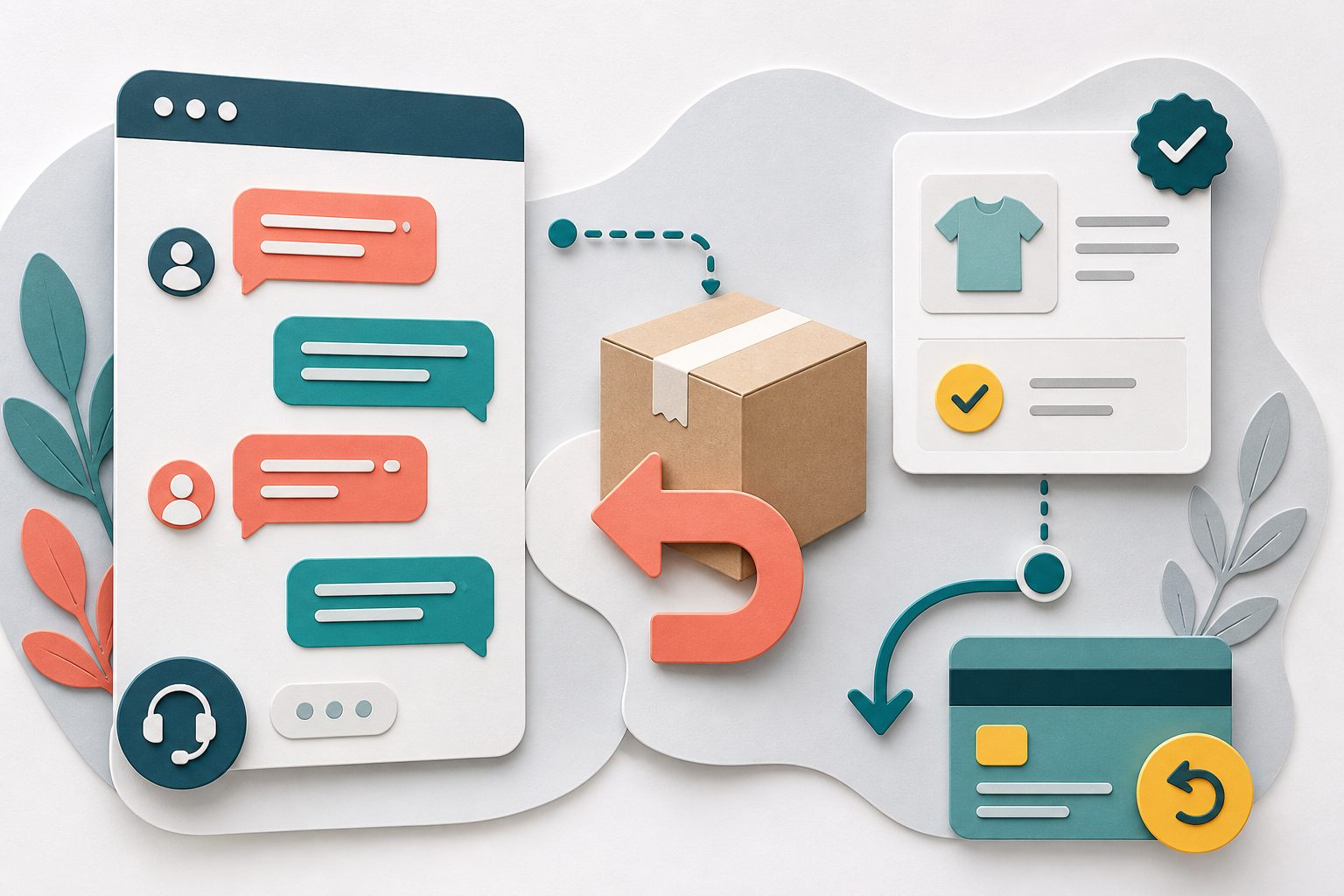
Handle WooCommerce returns and refunds in live chat without promising approval, exposing order data, or confusing a status change with returned money.
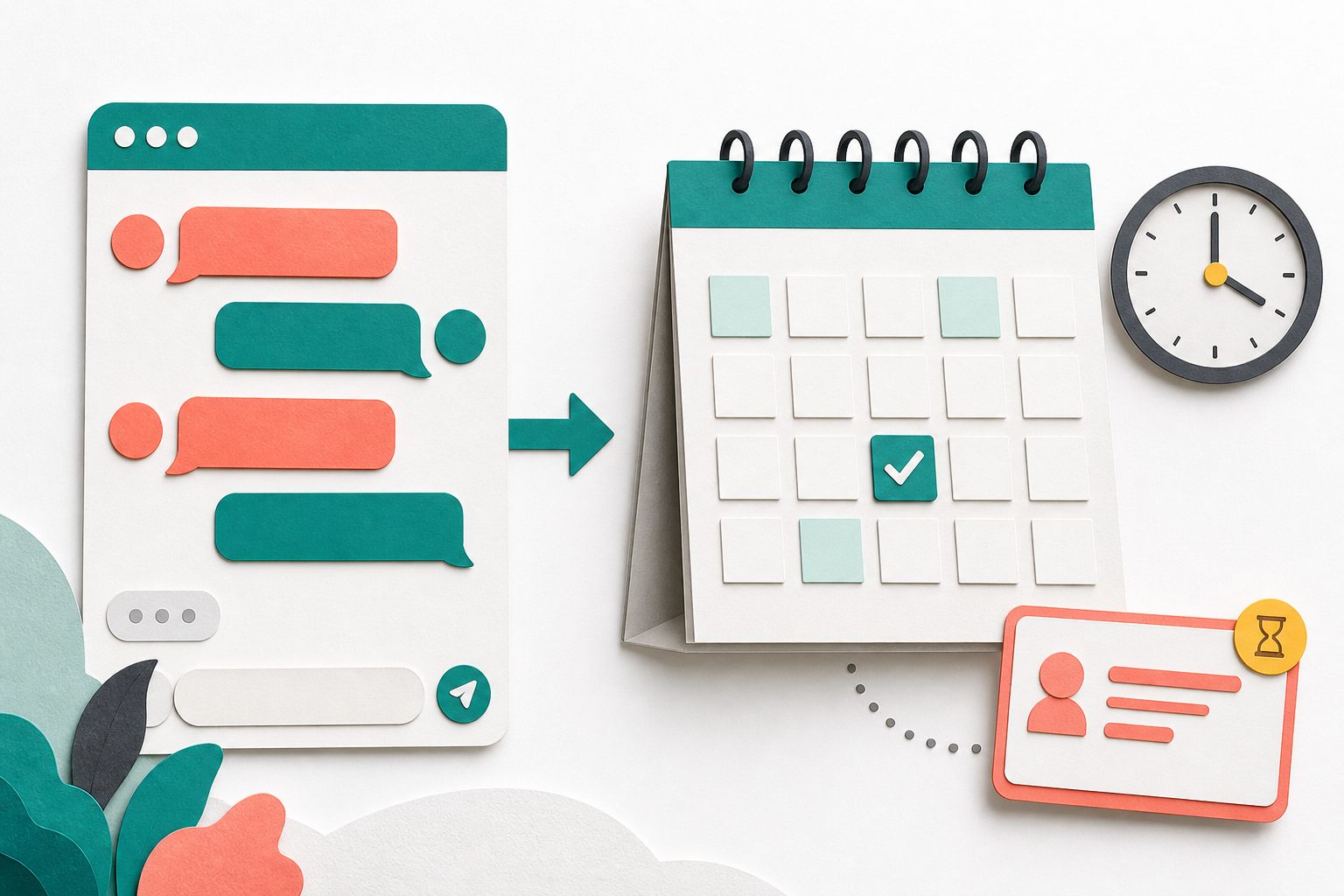
Use live chat for appointment booking without double-booking: qualify requests, link to real availability, state confirmation clearly, and protect customer data.

Use this WordPress live chat security checklist to review updates, agent access, sensitive data, attachments, website keys, devices, and incident response.
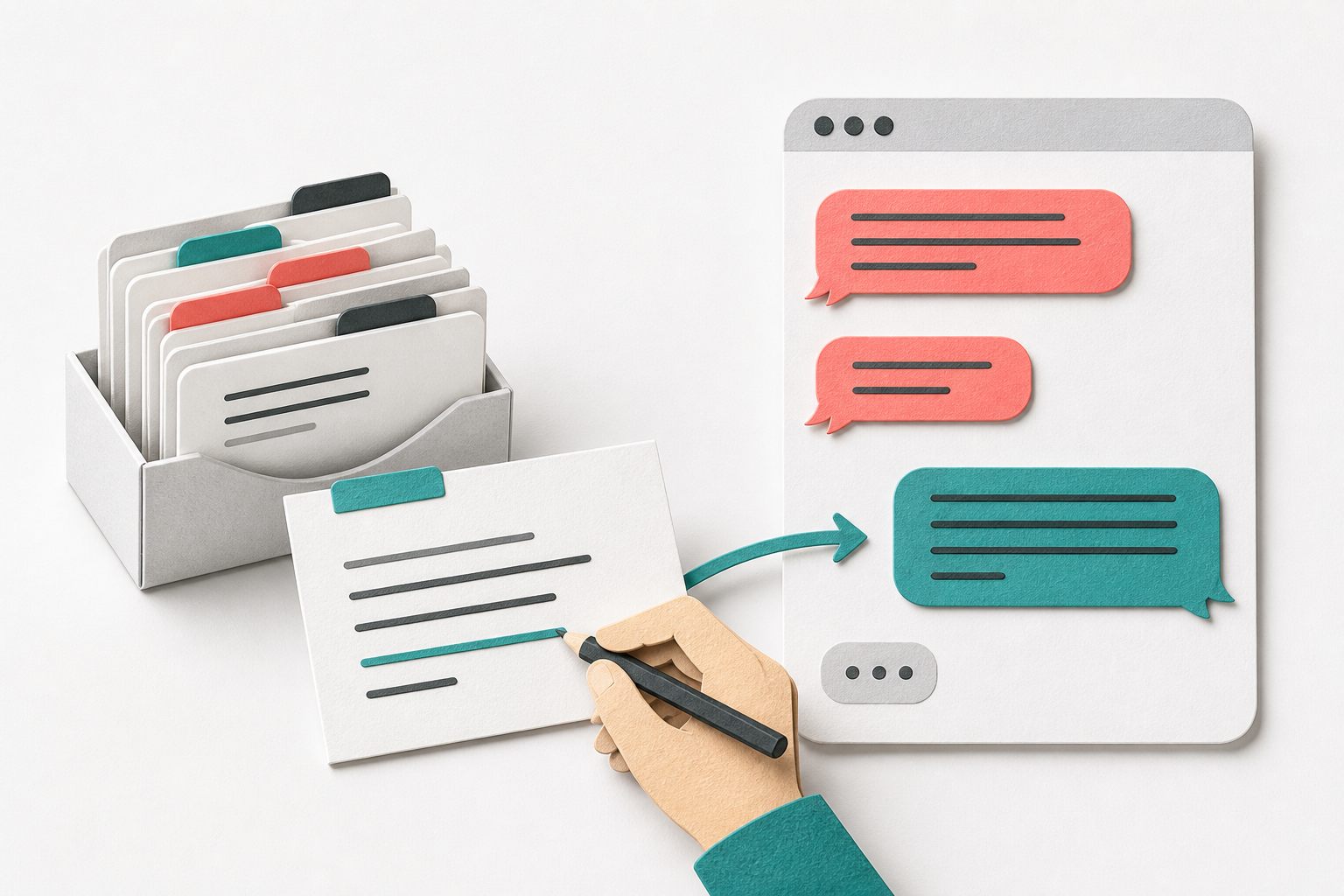
Adapt 12 live chat canned responses for troubleshooting, delivery, returns, delays, and follow-up, with checks that keep replies accurate and personal.

Measure live chat response time with clear start and stop rules, separate AI and human replies, count unanswered chats, and set realistic support targets.
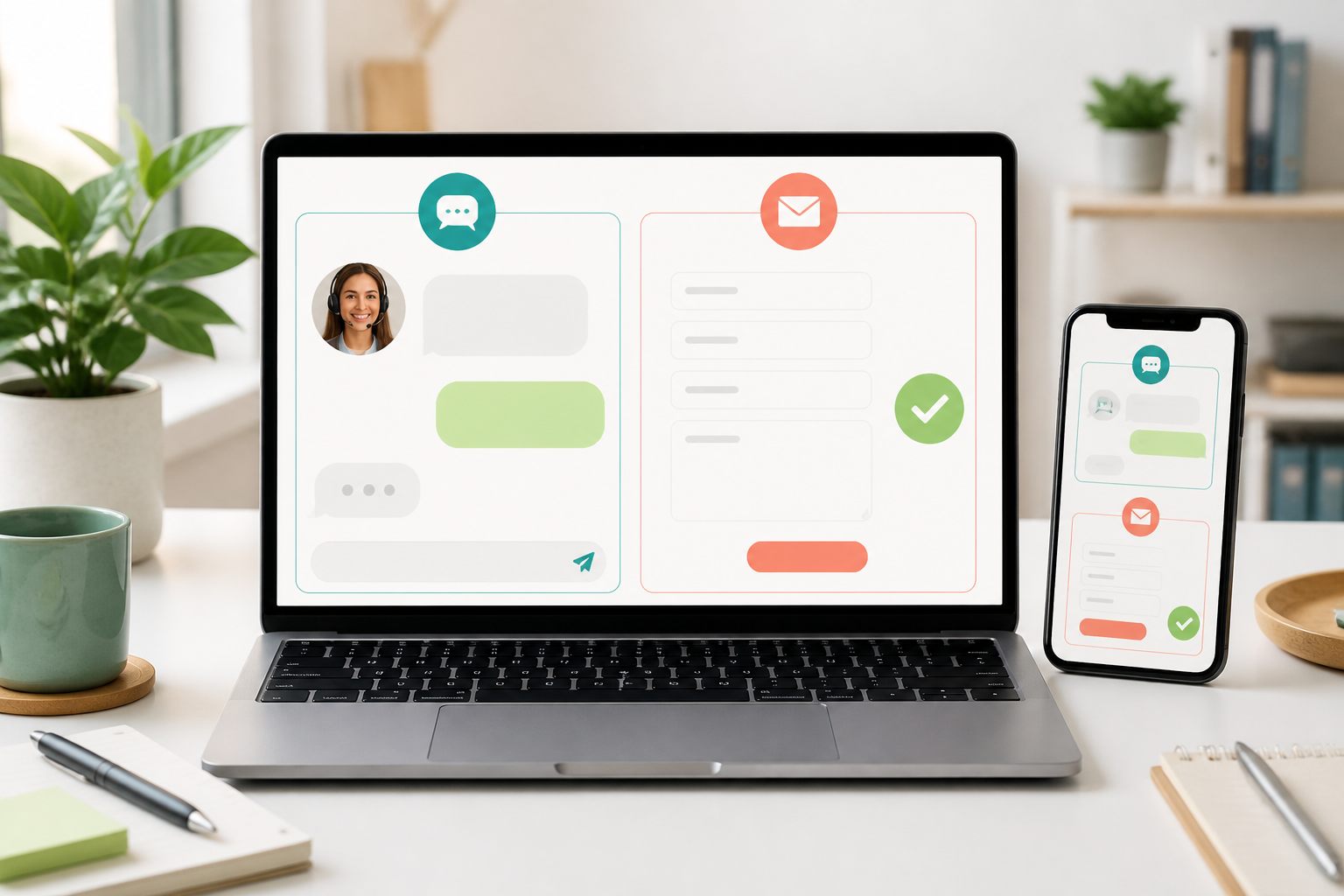
Compare live chat vs contact form support by urgency, question complexity, staffing, privacy, accessibility, follow-up, and where each option belongs.

Use 24 live chat welcome message examples for launcher labels, human replies, stores, service businesses, message mode, and responsible Pro AI support.
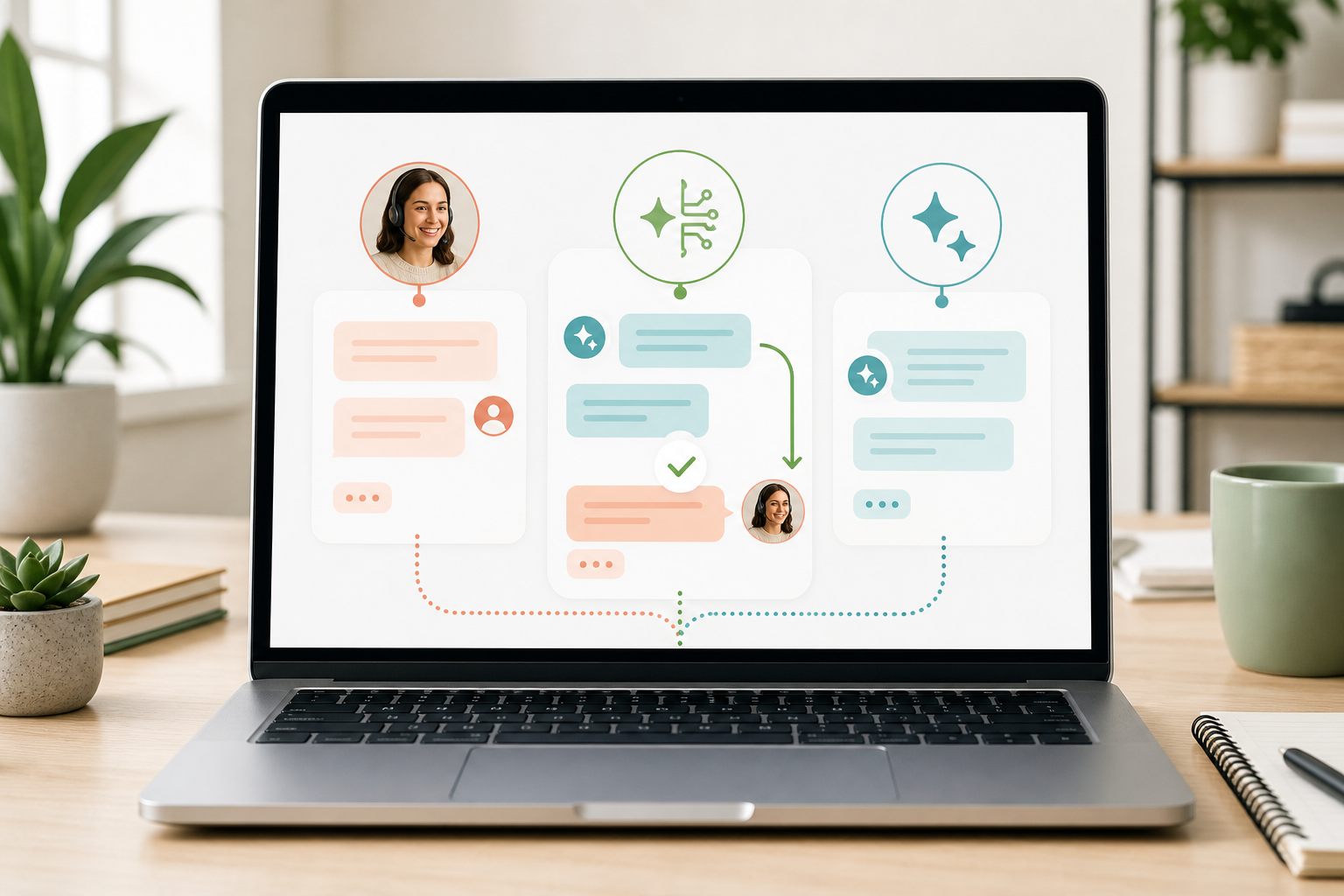
Compare live chat vs AI chatbot support by availability, judgment, information access, risk, staffing, handoff, and the questions your website actually receives.

WordPress live chat widget not showing? Follow these 10 checks for connection, status, mobile settings, cache, blocked requests, JavaScript errors, and conflicts.

Use these 12 live chat etiquette rules to write clearer replies, handle difficult conversations, protect privacy, and leave customers with a useful next step.

Does live chat slow down WordPress? Use this practical before-and-after test to measure Core Web Vitals, isolate widget cost, and protect mobile speed.
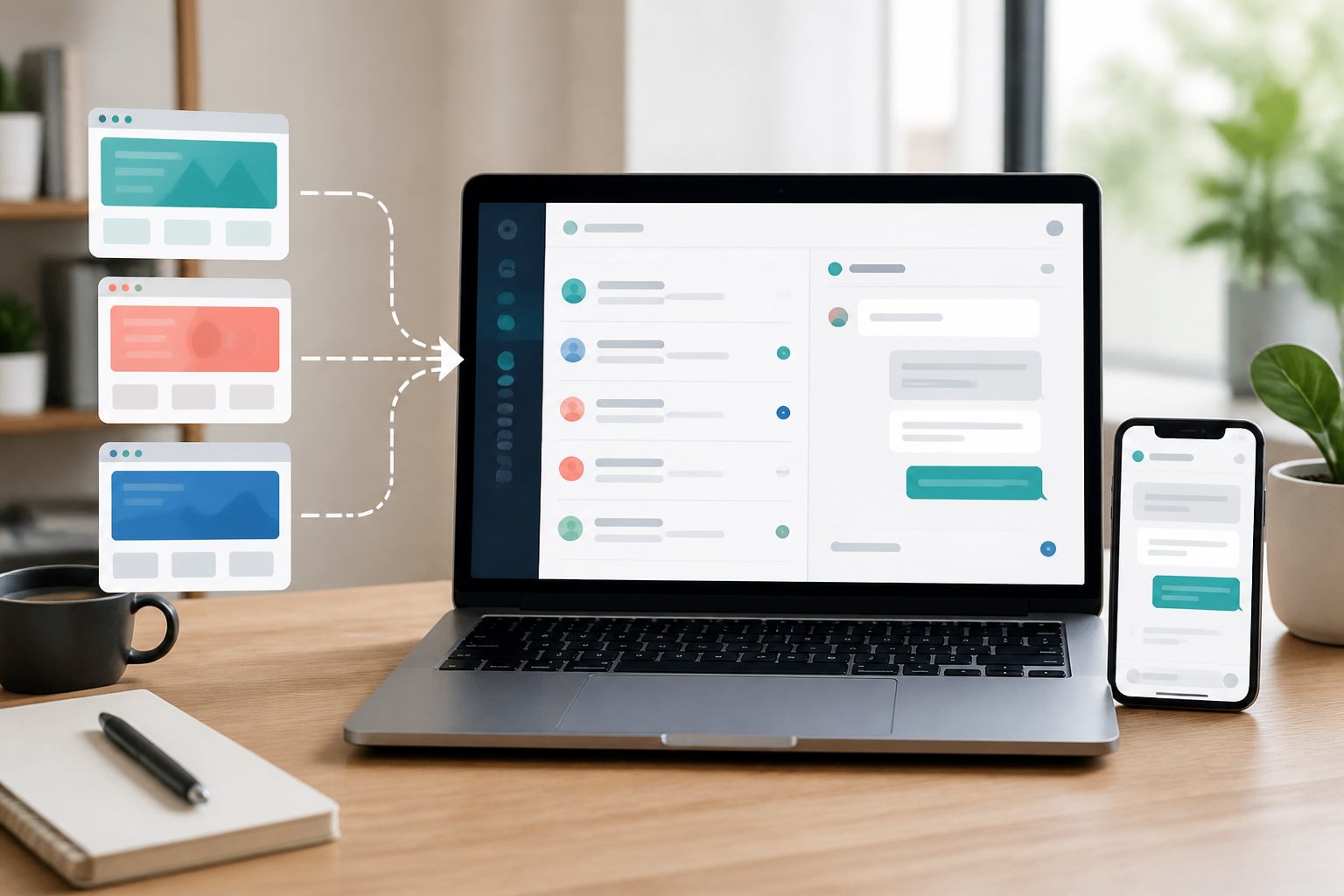
Set up live chat for multiple websites with separate site keys and settings, one organized support inbox, clear triage rules, and safer agent access.
Use this WordPress live chat privacy checklist to document collection, limit sensitive data, set retention rules, control access, and handle privacy requests.

Search live chat history by message text, visitor details, website, date range, and status, then turn the conversation you find into a clear support next step.
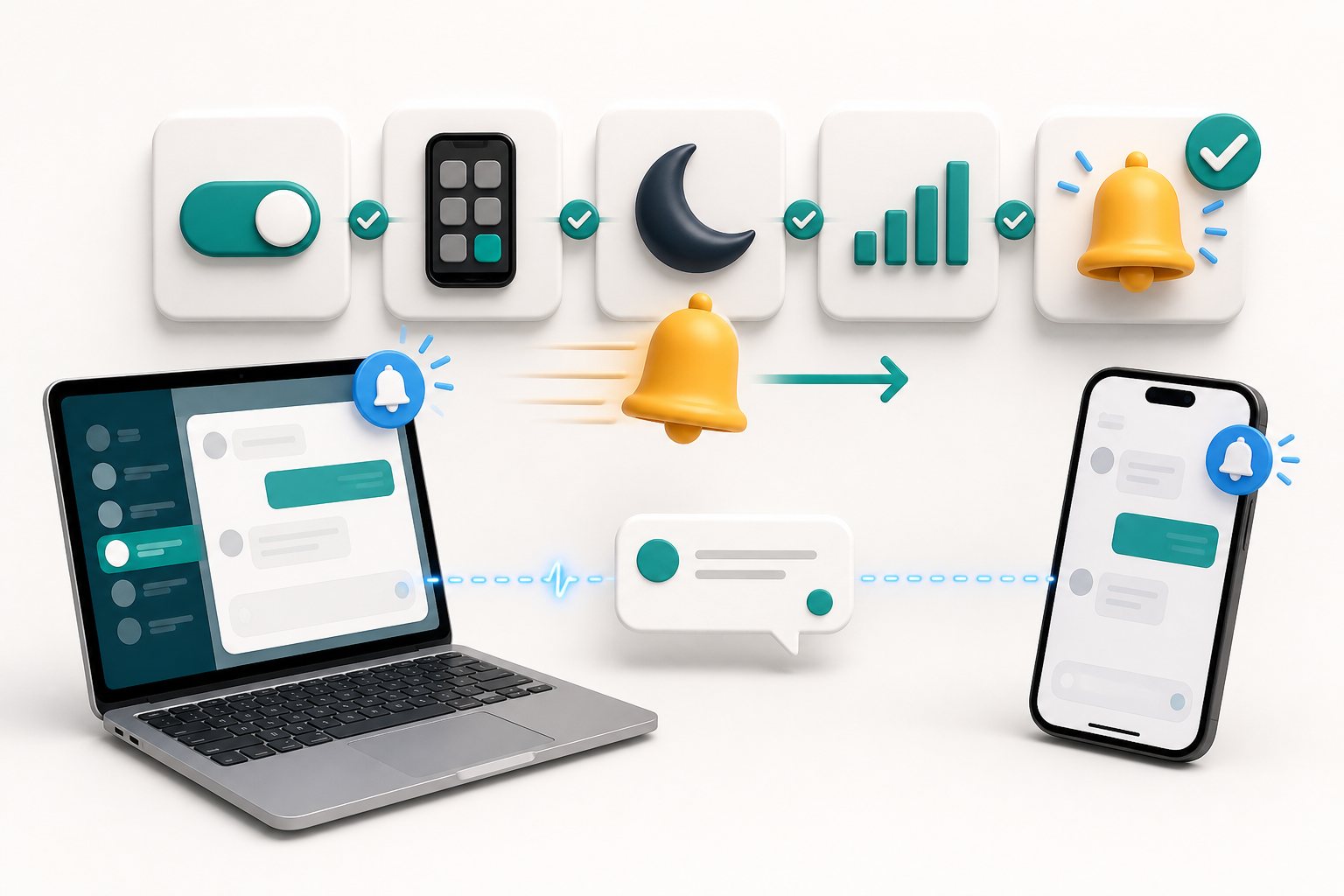
Fix live chat notifications that are not working by checking the inbox event, installed app, browser permission, phone settings, Focus modes, and device-specific delivery.
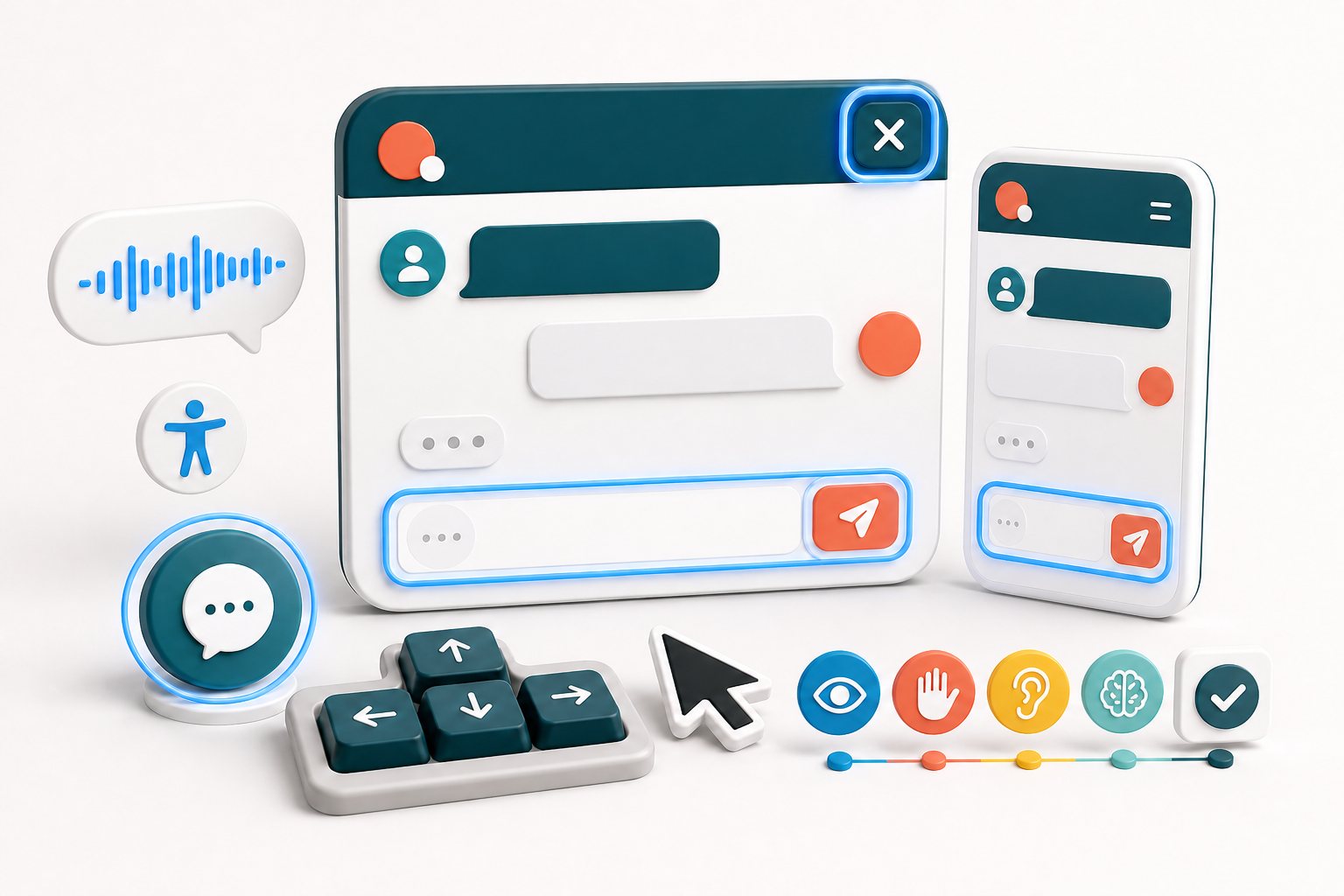
Audit live chat accessibility on WordPress with practical checks for keyboard use, focus, mobile reflow, form labels, status messages, contrast, and touch targets.
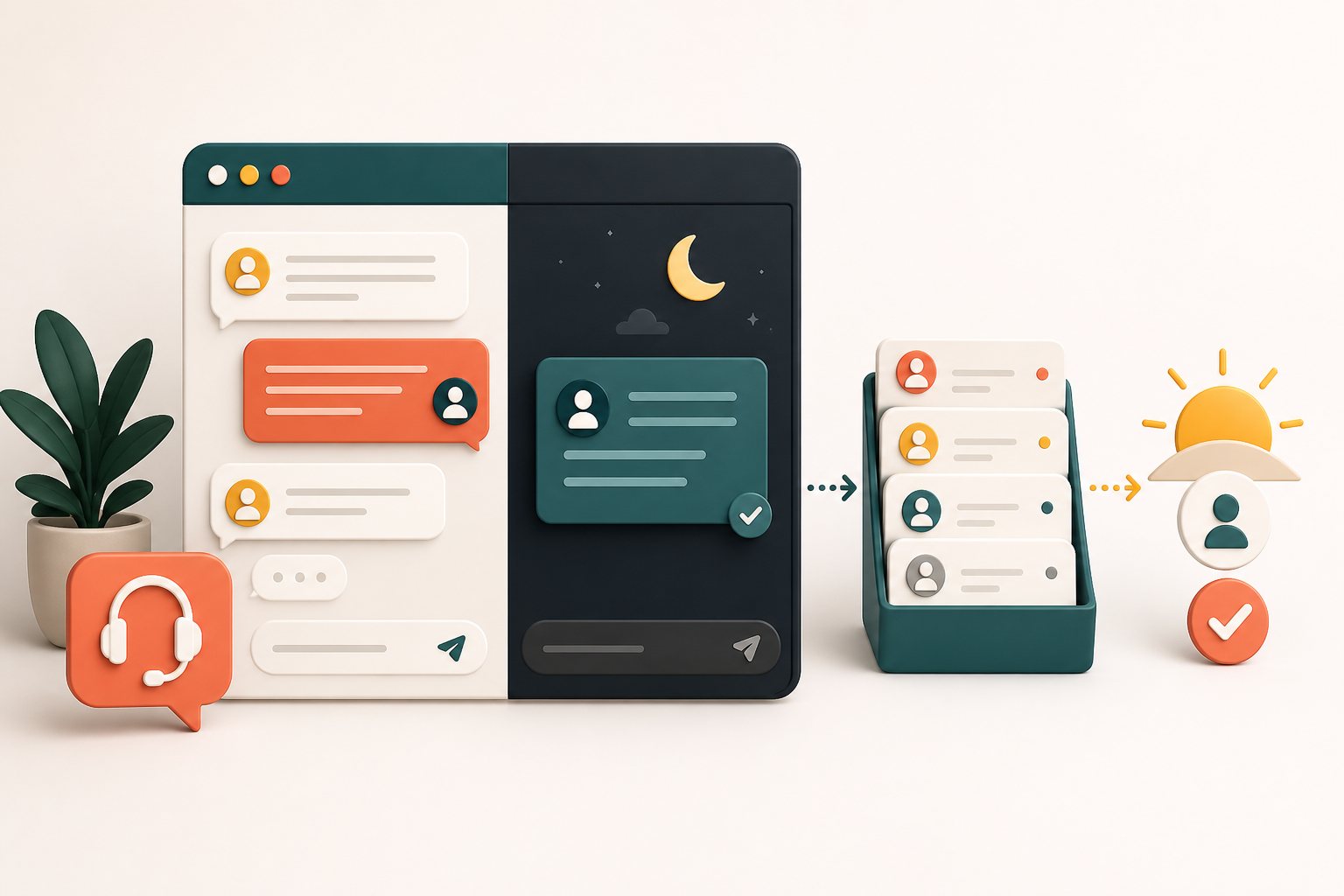
Build an after-hours live chat workflow with clear message mode, reliable follow-up, optional Pro AI replies, and honest customer expectations.
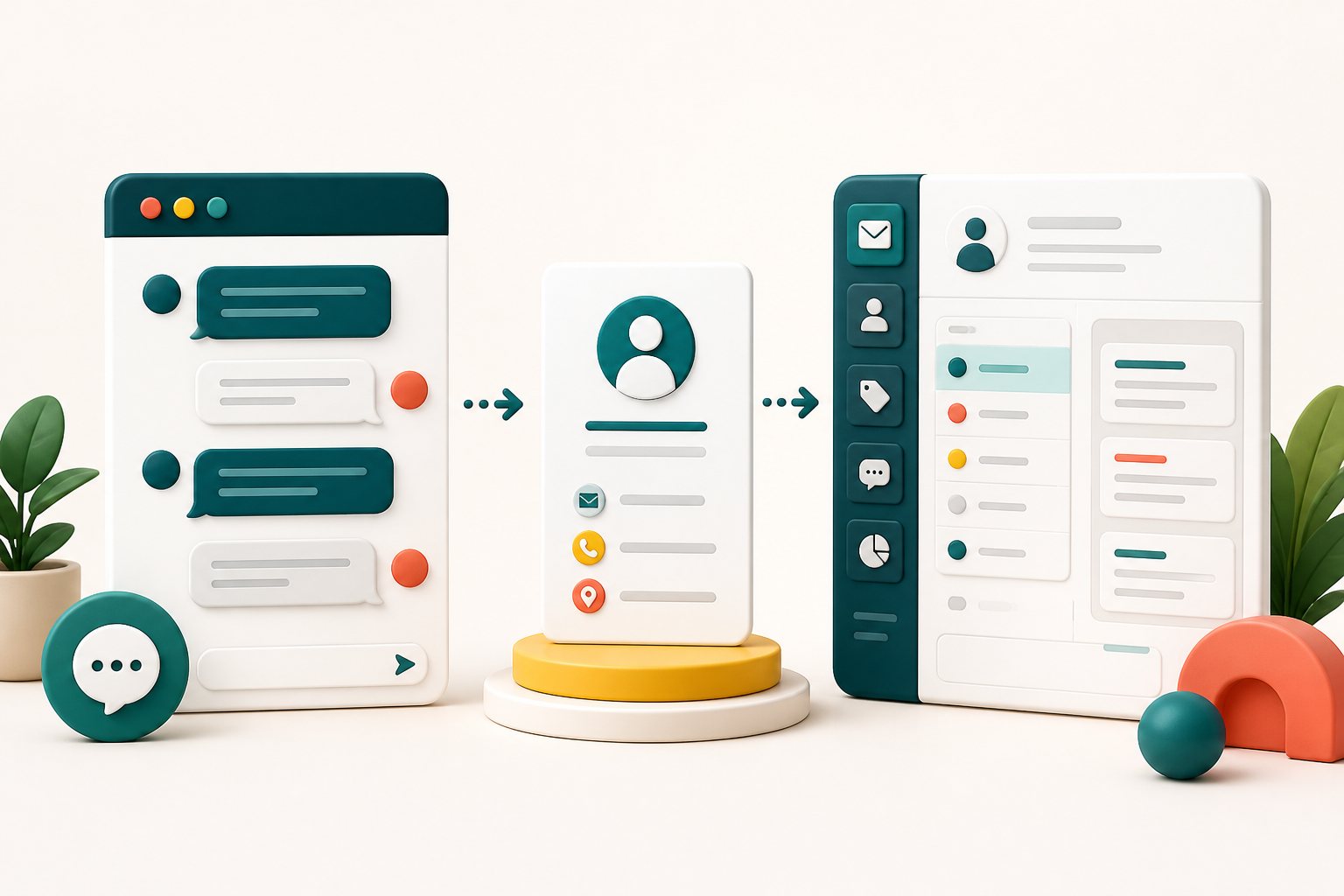
A practical live chat lead generation guide for qualifying website visitors, collecting useful contact details, and following up without adding friction.
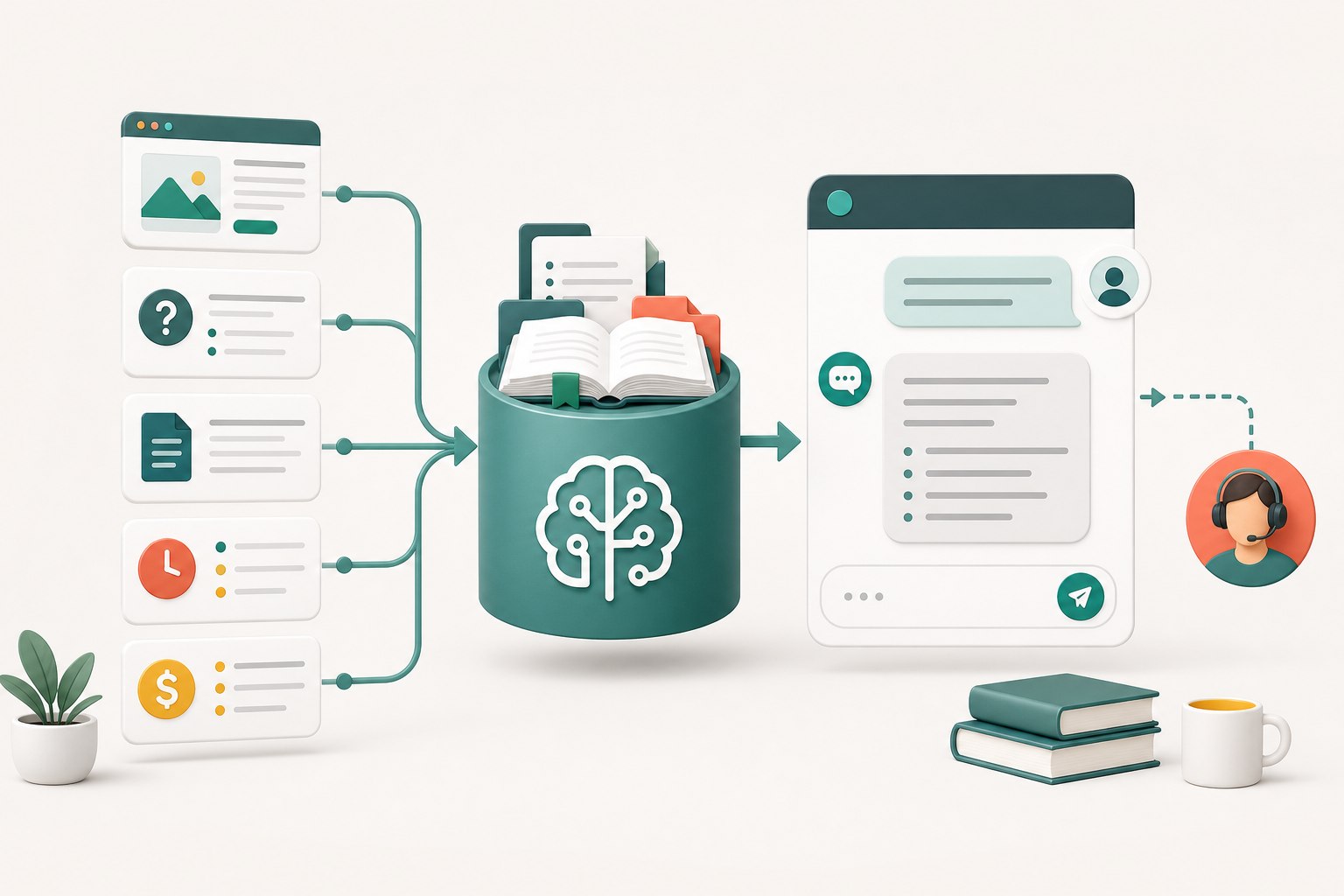
Learn how to train a website AI chatbot with approved business content, practical test questions, clear limits, and a reliable human handoff.
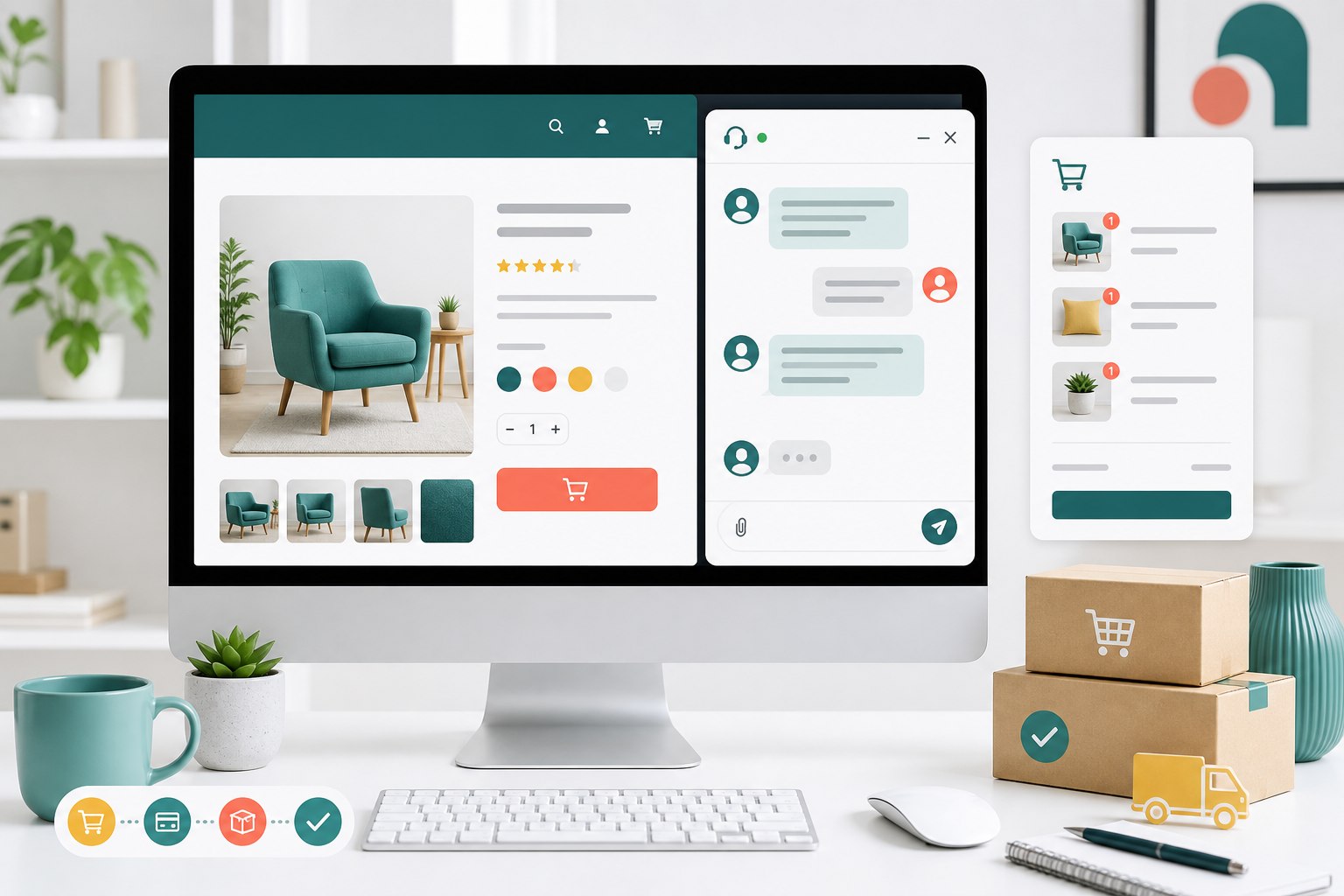
A practical WooCommerce live chat guide covering product, cart, checkout, account, and order questions without getting in the customer's way.
A practical guide to choosing, installing, and running free live chat on WordPress, including offline messages, response workflows, and WooCommerce tips.
No articles match that search.